

Digital Business Cards With Built-in Travel Guide
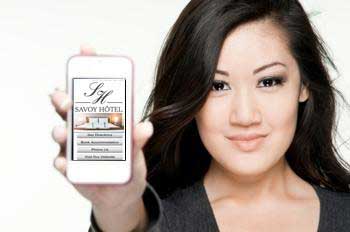
Via your very own custom-designed app button on their home screen, your current and potential customers can reach you by phone or email, open your website, make a booking or reservation, or even get GPS directions to your premises instantly - they don't need to look up your phone number or web address, your Digital Business Card will put them straight through at the touch of a button.
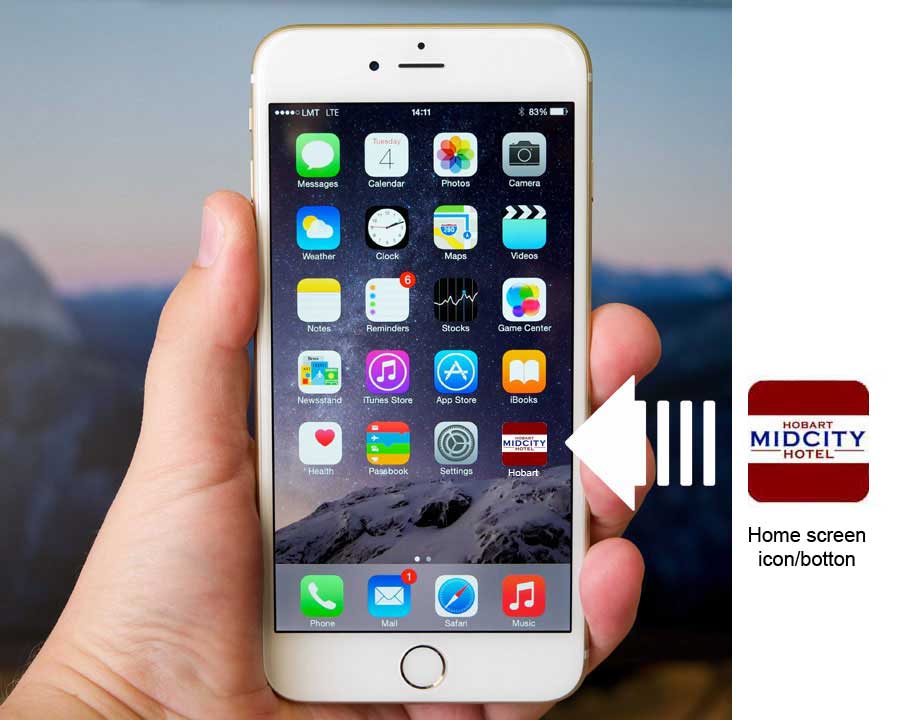
Your Digital Business Card is stored online on our website, so it's easy to make changes, takes up a tiny amount of data on a user's device, costs a fraction of an app to create and can even have its own web address. What's more, your cusomers won't want to delete it once they experience the convenience of using the built-in Travel Guide which opens to where your business is located but covers the whole of Australia.
Your Digital Business Card includes
- automatic dialing of your phone number
- one touch access to your website
- one touch access to any online booking or reservation facilities you might have
- an interactive map with visual and spoken GPS directions to your premises from anywhere in Australia
The built-in Travel and Information Guide includes:
- A button to access the travel and information guide to the region in which your business is located.
- Buttons to access travel and information guides to other regions of Tasmania as well as the whole of Australia.
- an "Around Me" GPS menu - to find nearby public toilets, ATMs, pharmacies, service stations, etc. and gives access to news, weather, sports results, what's on locally and more wherever they are in Australia - all from your Digital Business Card.
Note: As this is a demonstration version, some pages or links may not be displayed exactly as they will appear on a mobile phone's screen. For example, the GPS facility may not function fully if the tablet or computer you are using does not have a GPS facility built in, and the phone dialling button has been de-activated.
To return to the home screen at any time, tap any button across the bottom of the phone.
Your Digital Business Card is compatible with Android, iOS, Windows, BlackBerry and all other operating systems. It has its own IP address; by entering its web address into a web browser, it can also be viewed as a web page on a computer.

Your Facebook page can be embedded into your digital business card at no extra charge. As you update and change your Facebook page, users automatically see the updated information every time they open your digital business card. Users don't have to have a Facebook account or use their Facebook app to view your Facebook page.
A QR Code which opens your Digital Business Card when scanned is the easiest way to distribute your Card. We provide you with a digital file containing your QR code. We recommend you use the QR Code on other promotional material such as brochures, flyers, emails and on your website to gain maximum benefit.
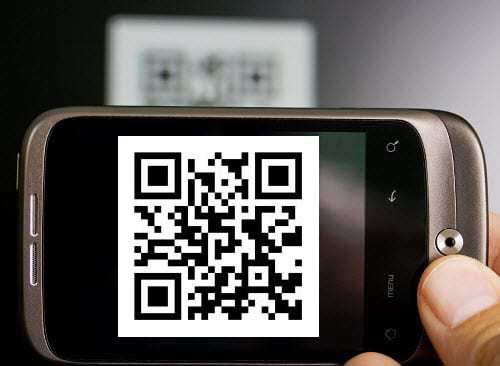
The QR code will also be embedded into the home screen of your Your Digital Business Card so it can be easily shared with your customers and by them with their friends. To pass it on to your customers, all you need to do is open your Your Digital Business Card on your phone, show them the guide and invite them to scan the QR code with their phone or tablet, or do it for them - it's that easy.
By following a simple 2-step process explained onscreen, they can download your App button to their homescreen (or you can offer to do this for them), giving then one-touch access to you via your Digital Business Card. Alternatively, they can bookmark it in their web browser as they would bookmark a website, or open your it with their QR Code app via the link it saved when the code was scanned. If the user has an iPhone, your QR code can be scanned with theit phone's camera.
We will also provide you with a digital Contact file that can be forwarded by email. This file contains a live link which, when tapped on a mobile device, will open your Digital Business Card on that device.